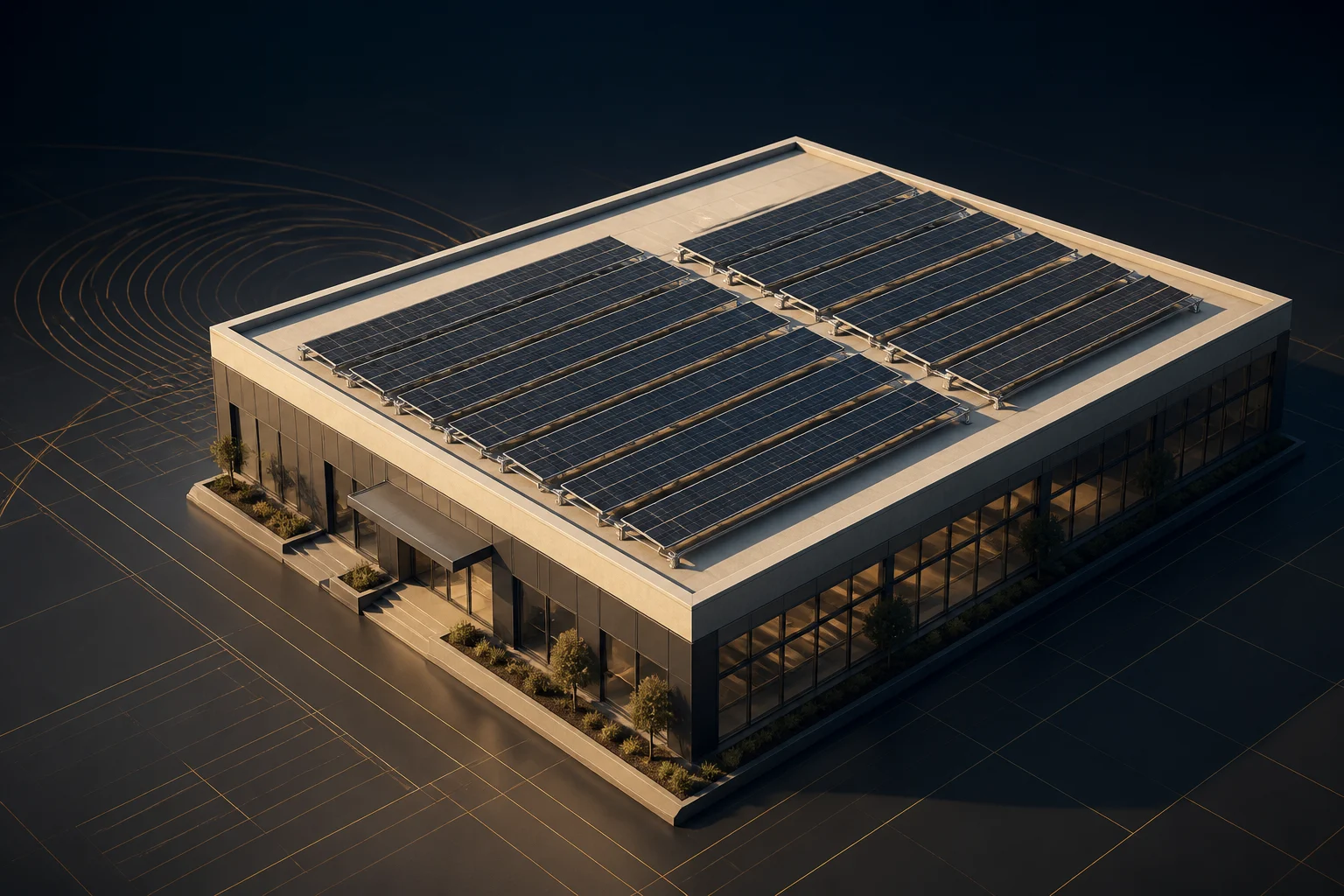
Every roof.One workspace. Solar PV design software for rooftop layouts, mounting details, electrical design and customer proposals. Built for India and Nigeria design workflows.
Design. Size. Quote. Deliver.
Rooftop workspace Commercial roof / example 01
Interactive product concept
DESIGN EXPLORER RCC rooftop Start with the whole roof. Explore the decisions underneath.
Preset roof 29 × 18 m
Module size 550 W
Orientation Portrait
Nominal tilt 10° Illustrative model. Preset geometry, not an engineering simulation.
▶ Load interactive roofPreparing the interactive roof. Static concept remains available.
↔ Drag to orbit · scroll to continue
N W + E
01 The whole roof ↗ 02 Compare the layout ↗ 03 Reveal the structure ↗ 04 Work around obstacles ↗
2D + 3D design / PV layout / MPPT strings / Energy & ROI / PDF + DOCX
The details make the design
Beyond a panelon a polygon. Real roofs come with structure, access routes, obstacles and electrical constraints. Make those decisions part of the same design.
01 / Layout with intent Turn available space Switch portrait and landscape, manage orientation and auto-fill within the roof you have defined. Review the result before committing it.
Orientation-aware PV layouts Roof boundaries and access clearance Individual modules, not just a capacity label Compare the roof layouts ↗ LAYOUT COMPARISON Portrait Landscape
80 modules44.0 kW DC · deterministic visual preset
RCC / MOUNTING DETAIL ILLUSTRATIVE SECTION
RCC mounting with controlled module overhang A conceptual tilted solar table stands on rails, columns and concrete footings inside the roof boundary. The module edge and footing edge are shown separately. This is not a construction detail or a validated load calculation. RCC footing Column + rail Module edge FOOTING PLACEMENT REMAINS INSIDE THE ROOF Controlled overhang Module edge ≠ footing edge Geometry first. Engineering review always.
02 / Structure, not decoration Control the overhang. RCC mounting needs more than a floating panel. Model the support arrangement, control module overhang and keep footing placement tied to the roof boundary.
Separate module and footing constraints Rails, legs and concrete support geometry Inspect the assembly in 3D Look beneath the modules ↗
One project. A connected handoff.
The design changes.The story stays connected. Carry the project from roof geometry into equipment, energy assumptions, economics and a documented proposal.
Explore the design-to-proposal workflow with JavaScript enabled. Company trials require email verification and owner approval.
Built around the organization
Your standards.Your shared workspace. Keep the commercial and technical context together without giving every user the same permissions.
Designers ↗ Commercial teams ↗ Organization admins ↗
DESIGN WORKSPACE The detail belongs Move between site layout, module geometry, system choices and technical deliverables.
Lead and design context Equipment and layout decisions PDF and DOCX reporting workflows Request a designer trial ↗ COMMERCIAL CONTEXT Explain the proposal. Bring the design, costing assumptions and project requirements to the customer conversation.
Connected BOM and proposal context Visible assumptions behind the numbers Sales / site-survey licence pricing published below Workspaces use supported admin and designer roles. Dedicated sales-role permissions are not enabled.
ORGANIZATION SETTINGS A place for Manage workspace users and catalog items, then record organization preferences for documents, tariffs and commercial schedules.
Admin and designer access Workspace components and shared library copies Versioned organization settings Stored preferences are not yet automatically applied to existing designs or calculations.
Your team. Your licence period.
Serious tools.A plan that fits. Choose a licence package that fits your team.
Solo 1 designer ₹4,084 per designer / month
Professional 2-4 combined users Let’s talkMonthly pricing to be confirmed
Business 5-10 combined users ₹3,250 per designer / month
Sales / site survey: ₹1,950 per user / month
Enterprise 11+ combined users ₹2,417 per designer / month
Sales / site survey: ₹1,450 per user / month
Build your team A plan that adds up. Licence periodMonthly Quarterly Annually
Designer licences Sales / site-survey licences
Solo ₹4,084 INR / month
Contact sales ↗ Prices shown are monthly INR estimates for the listed seat tiers. Enable JavaScript to change the period, currency or team mix.
How does trial access work? Submit a company request, verify your email and wait for platform-owner approval. The owner chooses the trial duration and total seats. Approved users receive an activation link; a request alone does not create access.
Is this preview an engineering simulation? No. The interactive roof uses deterministic visual presets. Dimensions, layouts, shadows and financial examples are illustrative—not a site survey, load check, electrical validation or yield forecast.
Which locations are supported? India and Nigeria design profiles are available, subject to platform-owner approval. Indian visitors start with India defaults; all other and unknown regions start with Nigeria defaults. Saved projects retain their own settings. Worldwide regulatory compliance is not implied.
How are paid licences activated? Discuss your selected licence period and receive payment instructions directly. Access is activated after the platform owner confirms a manual payment. This website does not collect card details or provide an automated checkout.